Projects that run over budget or miss deadlines almost always share a common failure mode: the planning documents at the start of the project didn’t capture the actual scope. The initial task list was too high-level to reveal dependencies. The budget estimate didn’t account for revision cycles or third-party delays. The gap between what was planned and what actually happened wasn’t discovered until the project was already in trouble.
The solution isn’t more detailed estimation — it’s better-structured planning tools. A well-designed project task list template captures not just what needs to be done but who owns it, what it depends on, and how long similar tasks took in previous projects. When these fields are defined upfront and filled out consistently, the task list becomes a reliable planning artifact rather than an optimistic wish list.
Budget Tracking: From Estimate to Actuals
Budget management is where many project managers operate reactively rather than proactively. They know the initial estimate and they know the final invoice, but the visibility in between is limited to occasional check-ins or end-of-month finance reports. By the time a budget overrun is visible in the reports, the spending has already happened.
Proactive budget tracking requires a tool that updates as work happens. Project budget tracking templates that connect planned hours to actual hours — and map both to billable rates — give project managers real-time visibility into where the project stands financially. This isn’t just a reporting improvement; it changes the decisions that get made. A team that can see they’re 60% through the budget with 70% of the work remaining will make different choices than one that finds out at month-end.
Connecting Task Completion to Financial Outcomes
The most powerful project management setups treat task tracking and budget tracking as two views of the same data rather than separate systems. When every task has an assigned owner, an estimated duration, and an hourly rate attached, the task list becomes a budget forecast. As tasks are completed and time is logged, the forecast updates automatically. Project managers can see earned value, remaining budget, and projected completion costs without running a manual reconciliation between their task tracker and their spreadsheet.
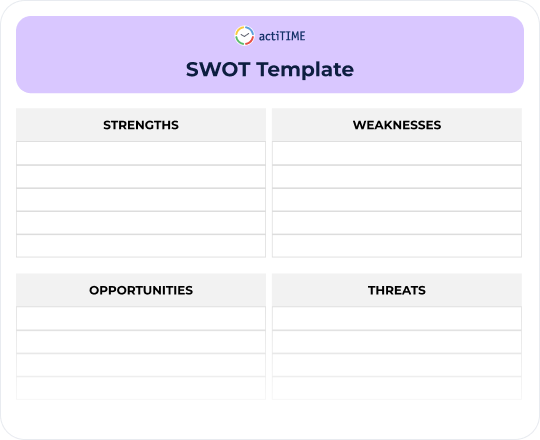
Building this connection starts with consistent data entry at the task level. Teams that log time against specific tasks rather than general project codes generate the data that makes this kind of analysis possible. Using SWOT analysis templates alongside financial tracking also helps teams identify risks before they become budget surprises. The templates provide the structure; consistent time tracking provides the data that brings the templates to life.